

Three barriers that lock visitors out of the information
Accessibility planning usually starts with getting people through the door: ramps, lifts, seating and hearing loops. Those matter. But once a visitor is standing in front of an exhibit, the question becomes whether they can take in what it says, and for many people a printed panel is where the visit stops making sense.
Vision impairment
Small type, dim conservation lighting, glare on glass cases and panels mounted at the wrong height make text hard or impossible to read, including for visitors who would never describe themselves as visually impaired.
Reading difficulty
Dyslexia, low literacy, learning disabilities and plain reading fatigue mean long blocks of text get skimmed or skipped. Children and older visitors run into this barrier too.
Language barriers
If a visitor doesn't understand the local language, the panel tells them nothing. That includes international tourists and residents who speak another language at home.
How many visitors this affects
These are not edge cases. Each barrier affects a large share of the population on its own, and many visitors face more than one. The British Dyslexia Association estimates that around 1 in 10 people are dyslexic, on top of the figures below.
Across the New Zealand museums using Journey Pal, between 50% and 60% of guide use is in English. A large share of the demand comes from local visitors choosing to listen or read on their phone, not only from tourists who need a translation.
Why signage alone can't fix this
Printed panels are the default way museums share information, and they work well for many visitors. But a panel has hard limits, and those limits fall hardest on the visitors above.
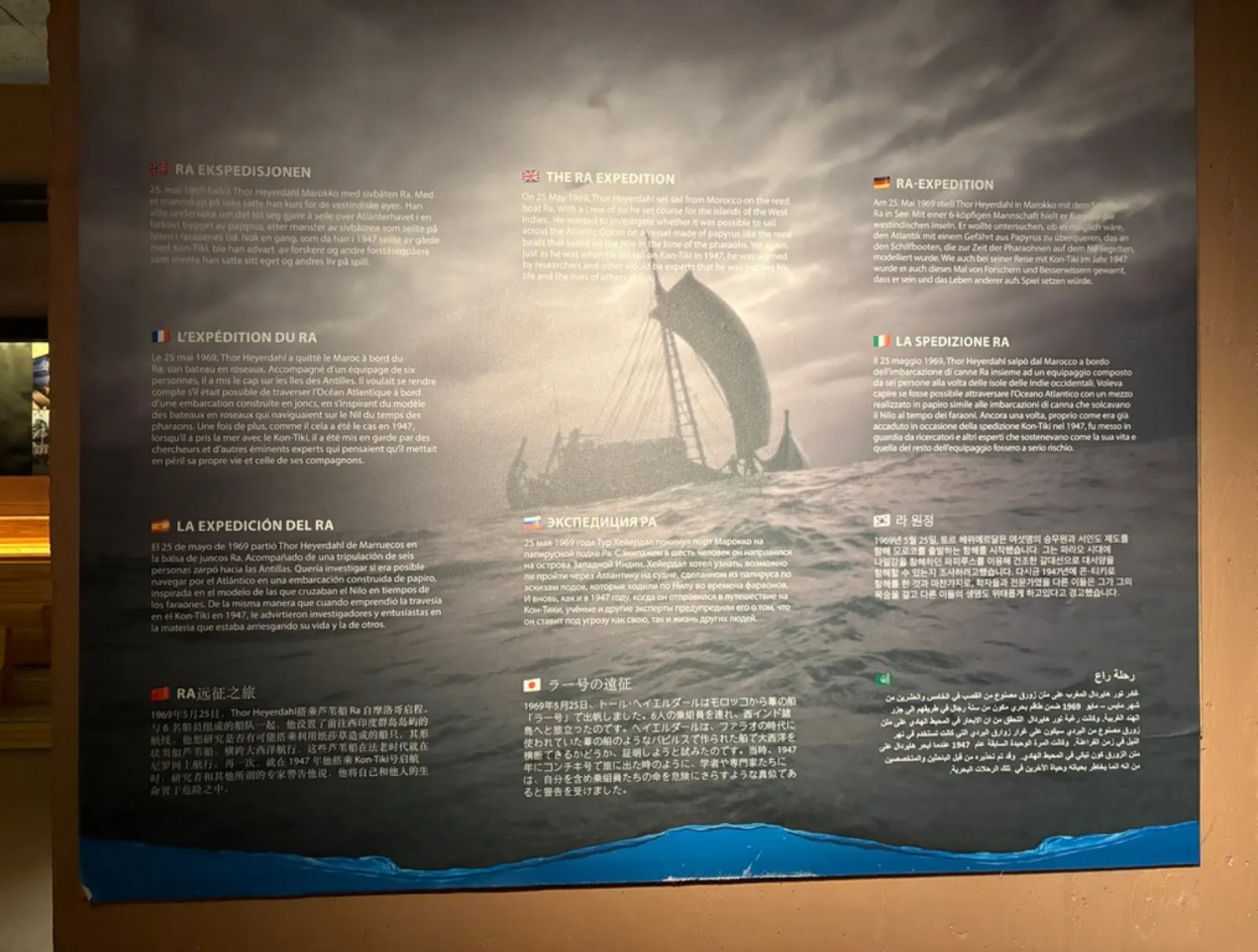
A printed panel
Text size and contrast are fixed when it is printed
Room for a short summary, so the detail gets cut
One language, or a few before the panel becomes cluttered
Only works for visitors who can read comfortably
Corrections and updates mean redesigning and reprinting
The same exhibit with Journey Pal
Text on the visitor's own phone, with the text size and screen reader settings they already use
No space limit, so the full story can be told
Over 30 languages, chosen automatically from the phone's language
Audio for visitors who can't read the panel, or would rather listen
Edits go live without new QR codes or new signs
How Journey Pal makes exhibit information accessible
Journey Pal is the easiest way to produce and distribute translated audio and text for visitors. Museums email Journey Pal the exhibit or museum information they wish to share, and Journey Pal returns them QR codes which visitors can scan.
When the visitor scans the QR code it detects the language of their phone and automatically displays the appropriate translated text and audio.
This makes information significantly more accessible as it can be available in over 30 languages and the audio is more accessible to those with vision or literacy difficulties.
It is also easier to maintain and update than traditional signage as it does not need to be reprinted and is not constrained by physical space.

Keep the label short and put the depth behind the QR code
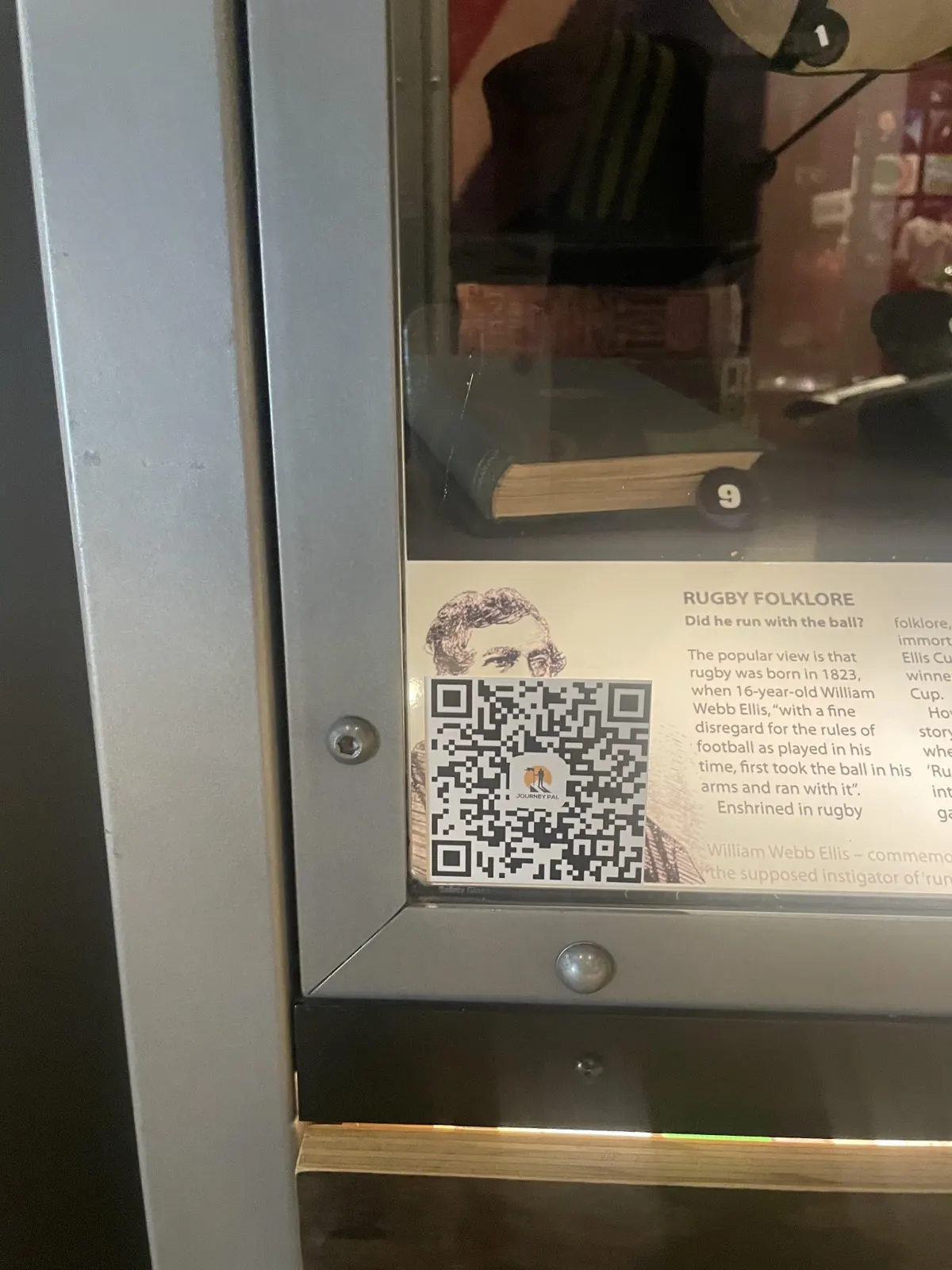
A QR code doesn't have to replace your labels. Keep a short printed label for visitors who want a quick read, and put the full story, the audio and the translations behind a small code beside it.
Lakes District Museum uses Journey Pal this way, offering a deeper dive for visitors who want more than the physical signs have room for. Visitors who struggle with the printed label get the same information in a form they can use, without the museum adding a single extra panel.
Frequently asked questions
How can museums make exhibits accessible to visitors with visual impairments?
Offer the exhibit information in a form that doesn't depend on reading a printed panel. Audio narration helps, and so does text on the visitor's own phone, where they can use the text size and screen reader settings they already rely on. Journey Pal provides both from a QR code beside the exhibit.
How can museums support visitors with dyslexia or low literacy?
Give them the option to listen. Every Journey Pal stop has audio as well as text, so a visitor can hear the information instead of working through a long label, and pause or replay it at their own pace.
Can museum signs be translated into other languages?
Yes, without reprinting them. Journey Pal translates your exhibit text and audio into over 30 languages. A visitor scans the QR code and the guide opens in their phone's language automatically.
Do visitors need to download an app?
No. Visitors scan the QR code with their phone camera and the guide opens straight away. There is no app to install and no sign up.
Is Journey Pal a replacement for all accessibility services?
No. It is one practical layer in an accessibility plan, focused on making exhibit information available as audio and translated text. Physical access, hearing loops and staff support still matter.